Case study
Medical Web App for Patients with Skin Lesions
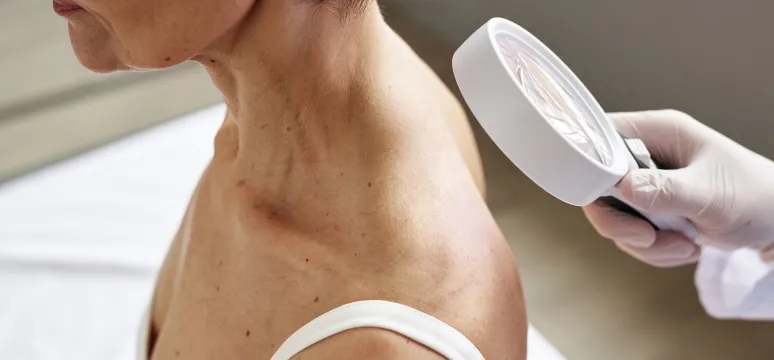
Medassist is a web app created to help medical professionals provide the best course of treatment for the people in their care. It allows doctors to assess skin changes remotely. If there is no cause for concern in relation to a person’s skin lesion, then the app removes the need for an in-person appointment. This means the doctors have more availability and patient waiting times are reduced. Medassist speeds up the process of diagnosis and removes unnecessary delays for patients who need treatment or face-to-face consultation.
Client

Medassist
Medassist is a web app created to help medical professionals provide the best course of treatment for the people in their care. It allows doctors to assess skin changes remotely. If there is no cause for concern in relation to a person’s skin lesion, then the app removes the need for an in-person appointment. This means the doctors have more availability and patient waiting times are reduced. Medassist speeds up the process of diagnosis and removes unnecessary delays for patients who need treatment or face-to-face consultation.
Partnership
ongoing since 2021
The Parliamentary Health Committee
in Poland was presented with Medassist
Experienced medical professionals
were consulted during the app’s creation
Industry
Country
Project details
Medassist is a tool to help medical professionals make informed decisions. The app is used when a patient is concerned about skin changes or a doctor wishes to monitor skin lesions. Doctors can generate a private link and send it to the patient. The patient is requested to take a photo of their skin lesion and send it securely through the web application.
The doctor then examines the photo and can decide the next steps to take. The app allows doctors to store their patients’ photographs and details in one safe place—with secure access for future reference and monitoring purposes.

The challenge
When the product was first presented to our Product Design team, it had a very basic UI. We wanted to implement changes to improve the overall design of the app and include features to support the user experience. The focus has always been to make the app as simple to use as possible.
In this project, our mission was to create a reliable service that will help users focus on what is important: their health. That is why we focused on simplifying the process and designing a clear and easy-to-navigate interface.
Agata Łukaszuk
Product Designer (UI), STX Next


Planning a similar project?
Schedule a call with our experts to discover the benefits of partnering with STX Next.
20+
years of software delivery
450+
specialists on board
1,000+
projects delivered

The solution
One of our UX designers came up with basic wireframes and the flows were made more user-friendly. We made it easier to upload photos and navigate within the app.
Key features were added to the app: tags, a search function, and a dashboard. Tags notify users of a patient’s status within the app. For example, if there are newly uploaded photos or if information has already been reviewed.
The search function allows doctors to go directly to a specific patient’s page. The dashboard provides quick access to all data and a review of recent activity.
STX Next delivered
Project gallery
Tech stack


Similar projects we've delivered










.webp)













.webp)





.webp)



.webp)



.webp)


.webp)

.webp)